


10.1" WiFi Touch Screen Digital Picture Frame

- STAY TOGETHER WITH FAMILY: This Wi-Fi cloud photo frame can quickly update your life moments with your loved ones wherever you are. It helps to stay close to your family members, it is a perfect gift for the elder to feel connected with the young generation.
- INSTANT WIRELESS SHARING: Apart from traditional digital photo frames, this device can instantly receive photos and videos via a Wi-Fi network (NOTE: Only works with 2.4 GHz). Your family can conveniently share exciting photos and videos through the mobile app.
- WONDERFUL PICTURE DISPLAY: This device features a high-quality 10.1'' touch screen display with 1280*800 resolution and a 16:9 aspect ratio that beautifully showcases your precious memories. Customized sleep mode and auto-rotate settings enhance your viewing experience. You can position this frame in either portrait or landscape mode.
- EASY SETUP & USE: The user-friendly interface design makes this device easy to use for all ages. Just a few simple steps to complete the setup, and the intuitive touch screen makes usage easier than ever before.
- OVER 80,000 PHOTOS STORED: This frame offers you a huge storage capacity with built-in 16GB memory (around 80,000 photos). It also supports the SD card and USB drive connectivity to enable you to read the files and export the received photos and videos for better album management (note: please remove all your external devices when you reset the photo frame)
Size: 10.1 inch
Resolution: 1080P
Memory capacity: 16GB
Compatible Devices: Smartphone
Connectivity: WiFi
Touchscreen: Touchscreen
10.1" WiFi Touch Screen Digital Picture Frame
Sale price$49.99
Regular price$79.99
FAQ
Warranty and Customer Service
- DragonTouch digital products are covered by a 1-Year Warranty. Products ordered onwww.dragontouch.comwill be automatically extended to a 2-year warranty.
- Undamaged products may be returned for a full refund for any reason within 30 days of the date the item was delivered to the designated shipping address.
- Contact us via cs@akasotech.com Phone support: 1-888-466-9222 (US) Monday-Friday 9:00-17:00(EST)
How to Send Photos and Videos From Smartphone to Vphoto Frame?
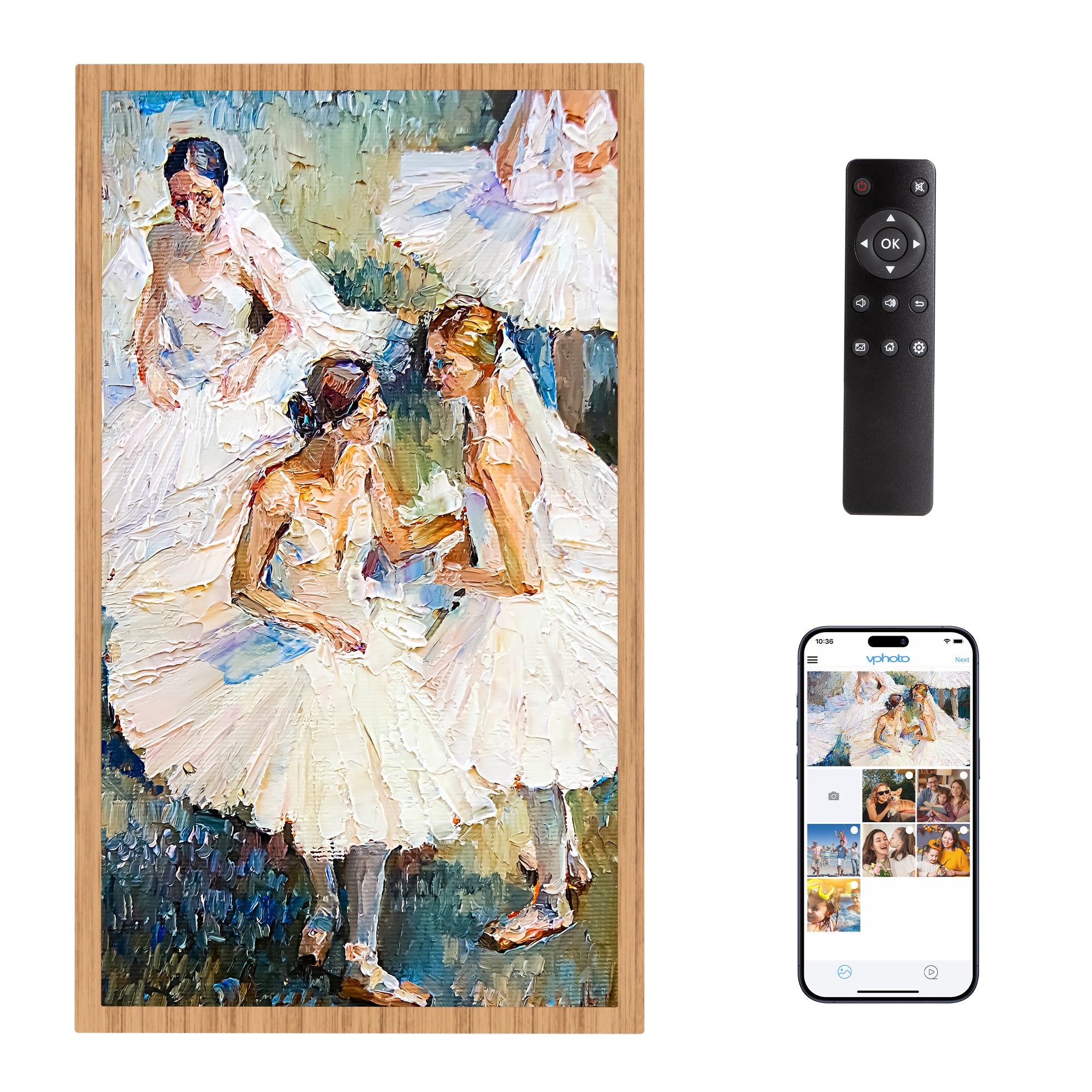
- Select a photo: Open the Vphoto app and select the photo you want to send.Once you have selected the photo, just press the "Next" option in the upper right corner.
- Select a device or person to send to: Select the recipient or Frame device you want to send the photo to.
Can I share an image from a third party platform to a frame?
- We are sorry that our frame cannot accept photos and videos from other apps (such as Google Photos, iCloud Photos, Amazon Photos, etc.) to be shared directly to the frame.
- However, you can upload photos from third-party apps through our APP, email, SD card, USB cable or USB flash drive.
Connect Frame to Wi-Fi
- Open the Settings on your frame
- Go to the Wi-Fi submenu
- Find and press your Wi-Fi in the list of available networks
- Enter the Wi-Fi password and press OK
- Wait for the "Connection Status" to say Connected
How to Set Sort Photos or Sort Slideshow
- Go to Settings;
- Go to Album Settings;
- Go to Slideshow;
- By order in which photos are displayed;
- Select one of the options.
When will the item ordered from the DRAGONTOUCH website shipped out?
We will arrange the shipment within 2 business days normally, and there may be a delay if with inventory trouble or on weekend days. Thanks for your kind understanding.
Our customer support is available Monday to Friday: 9:00am-5:00pm.Average answer time: 24h
You may also like


15.6" WiFi Touch Screen Digital Picture Frame
Sale price$99.99
Regular price$129.99

21.5 inch WiFi Large Digital Photo Frame
Sale price$249.99
Regular price$299.99
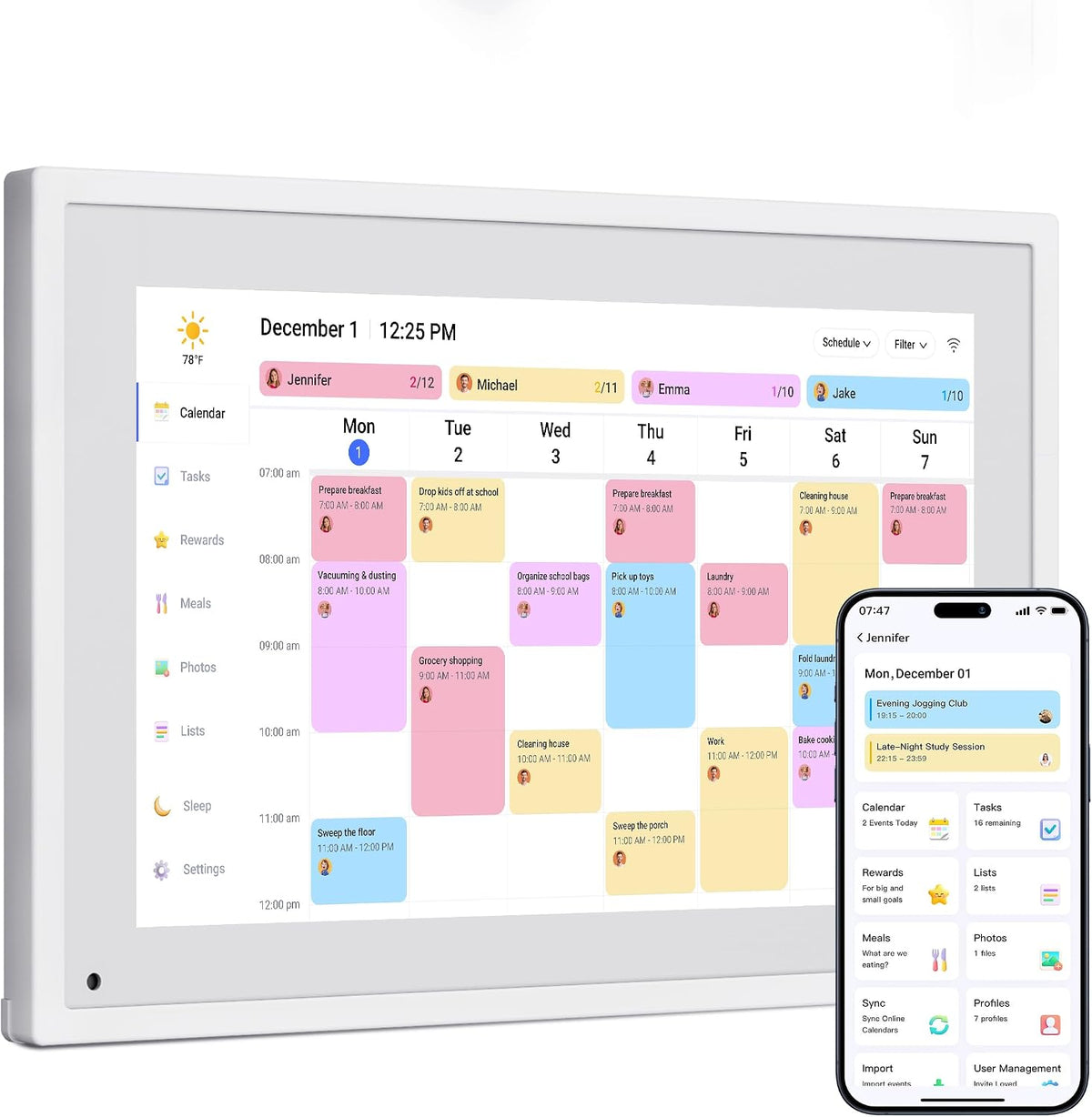
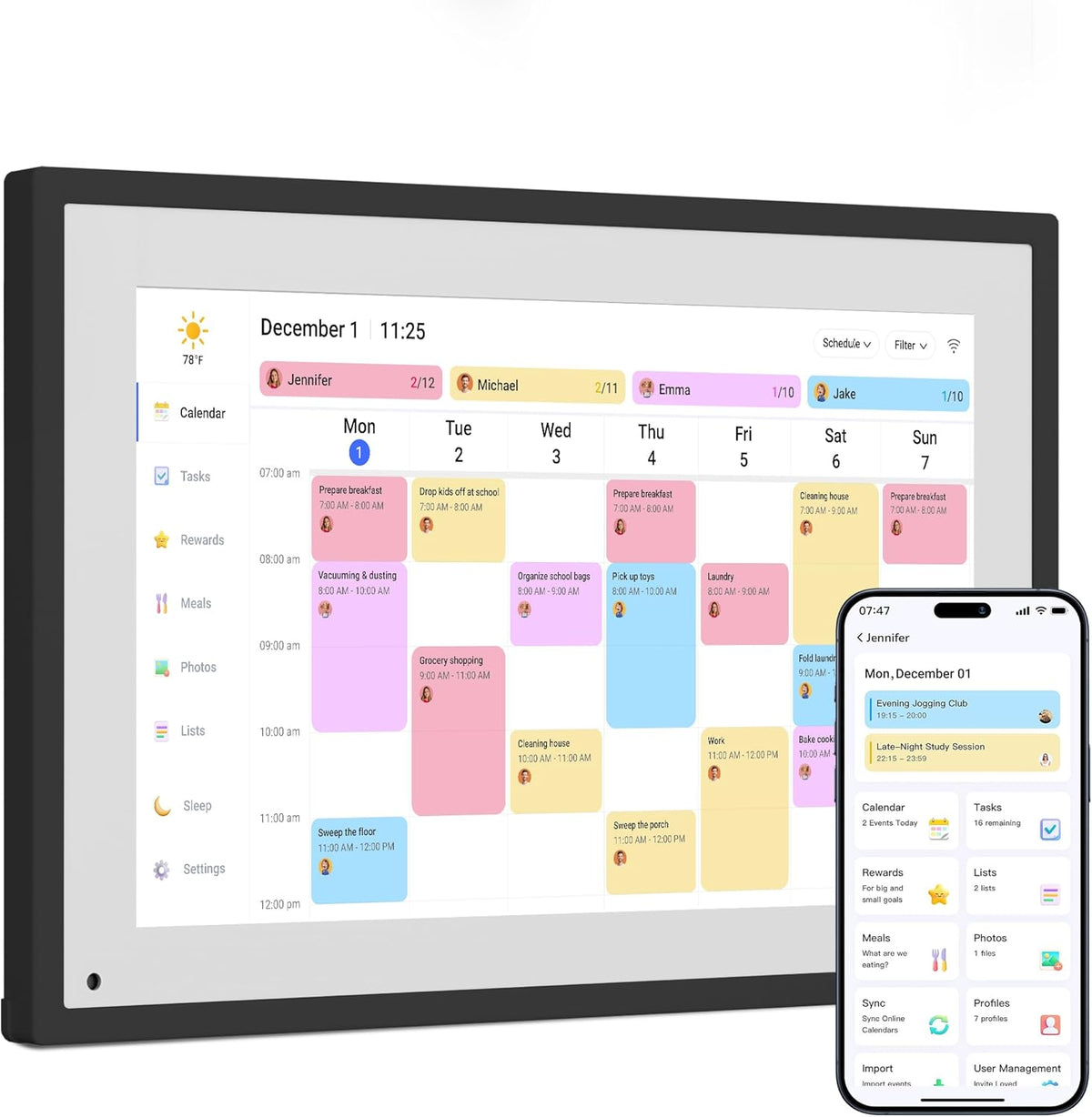
Dragon Touch Digital Calendar
Sale priceFrom $149.99